Split expenses and settle up
June 2, 2026
Golf trips come with a pile of shared costs — the cart, dinner, the Airbnb, the entry fees, and whatever you put on the skins game. Sorting out who owes whom afterward is the worst part. So we built it into Squabbit. You can now split shared expenses, see exactly who owes what, and settle up right inside your tournament, league, or club.
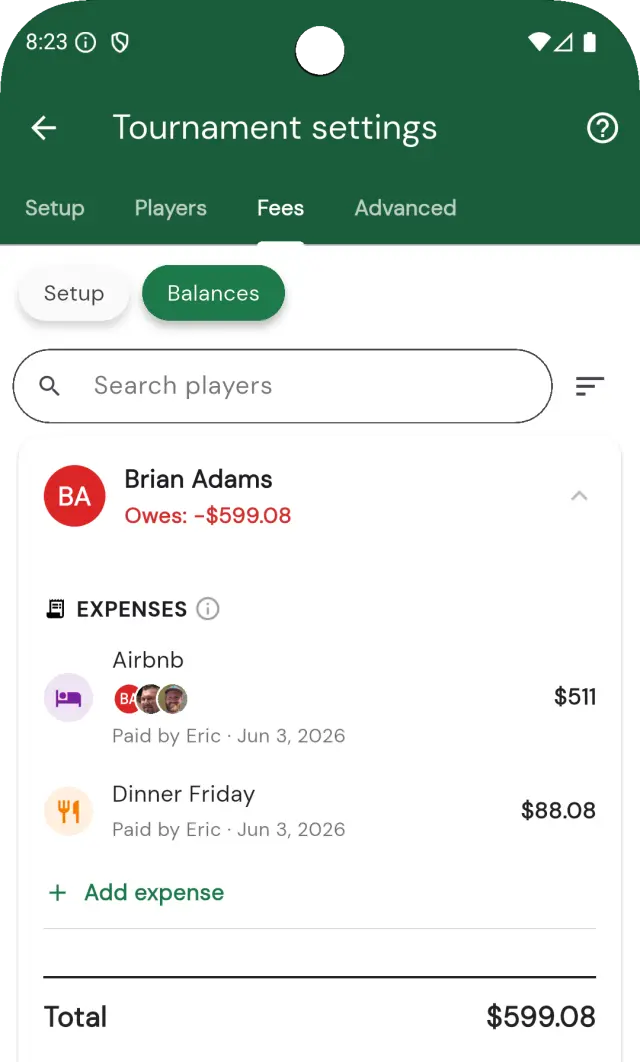
Track shared expenses
Add a shared cost — dinner, lodging, cart rental, transport — and pick who it’s split between. Each expense records who paid and who’s in on it, and Squabbit divides it across the participants automatically. Tap any expense to see exactly how it was split. Admins can always add and edit expenses, and groups can optionally let any player add their own.
See who owes what
Open the Balances chip on your group home and you’ll get a card for every member. Each one folds together their entry fees, purse buy-ins, winnings, and expense splits into a single net number: are they owed money, or do they owe it? Sort the list by who owes the most, search for a player, and tap into any card for the full breakdown.
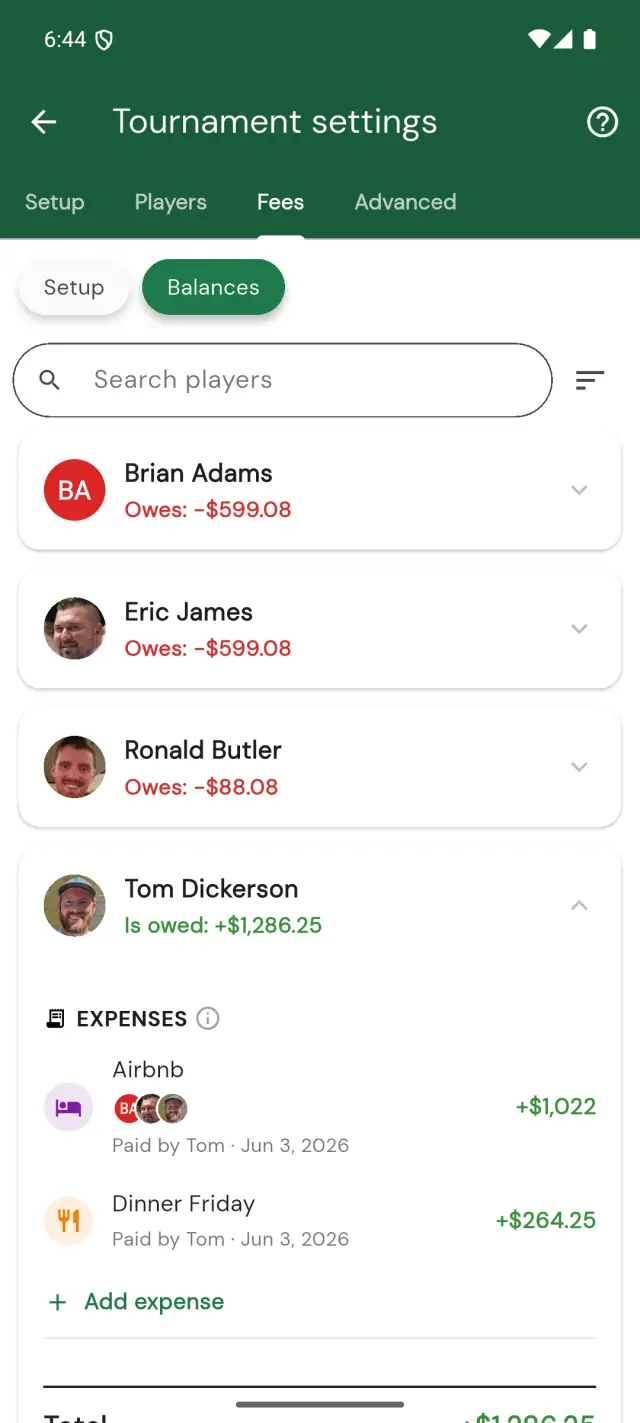
Settle up with the fewest payments
Here’s the part that saves the most hassle. When it’s time to settle, Squabbit can simplify the debts so the group sends the smallest possible number of payments.
Say Bob owes $20 in entry fees and Carl just won a $20 purse. Instead of Bob paying the host and the host paying Carl — two payments — Squabbit nets it out so Bob just pays Carl $20 directly. One payment instead of two. Across a full group with fees, winnings, and split expenses flying in every direction, that collapses a tangle of IOUs into a tidy handful of transfers.
Prefer everything to flow through the organizer instead? Switch to Route through host and fees and prize payouts go through the host the traditional way. It’s your call per group.
Pay and get paid your way
On any balance you can owe, a Pay button appears; on any balance you’re owed, you get Collect and Request. Squabbit doesn’t lock you into one rail:
- Stripe — groups with Stripe connected can take entry fees and payments by card right in the app.
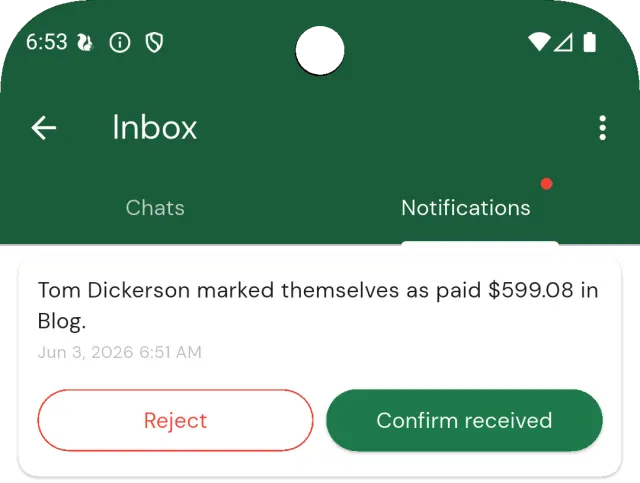
- Venmo, cash, or whatever you already use — pay your buddy however you normally would, then tap I’ve paid. They get a notification and confirm once it lands, and the balance clears.
- Request a payment — if someone owes you, send them a request and they’ll get a notification with a Pay button.
Every settlement is tracked, so a balance is only marked paid once both sides agree — no more “wait, did you ever Venmo me for that?”
Settle side bets from the scorecard
Skins, matchplay, and Nassau bets settle right on the round’s scorecard — no group required, so it works for casual rounds too. The Summary tab of your side games shows who won what and lays out the payouts, with the same Pay, Collect, and Request buttons. Lose two skins to the same guy? Pay him from the same screen where you watched it happen.
Find it
Expenses live on the Registration fees page of your tournament, league, or club, and balances live under the Balances chip on the group home. Side-game payouts are on the Summary tab of your round’s side games. It’s all in the latest version of Squabbit — update from the App Store or Google Play and the golf-trip math sorts itself out.