Redesigned registration tiers
Nov 11, 2026
Real golf events are rarely one price for everyone. You have players, foursomes, dinner guests, volunteers, and sponsors, and they each pay a different amount and need to be asked different things. Our redesigned registration tiers let you set all of that up cleanly, so a single event can offer as many entry options as you need without turning your sign-up page into a mess.
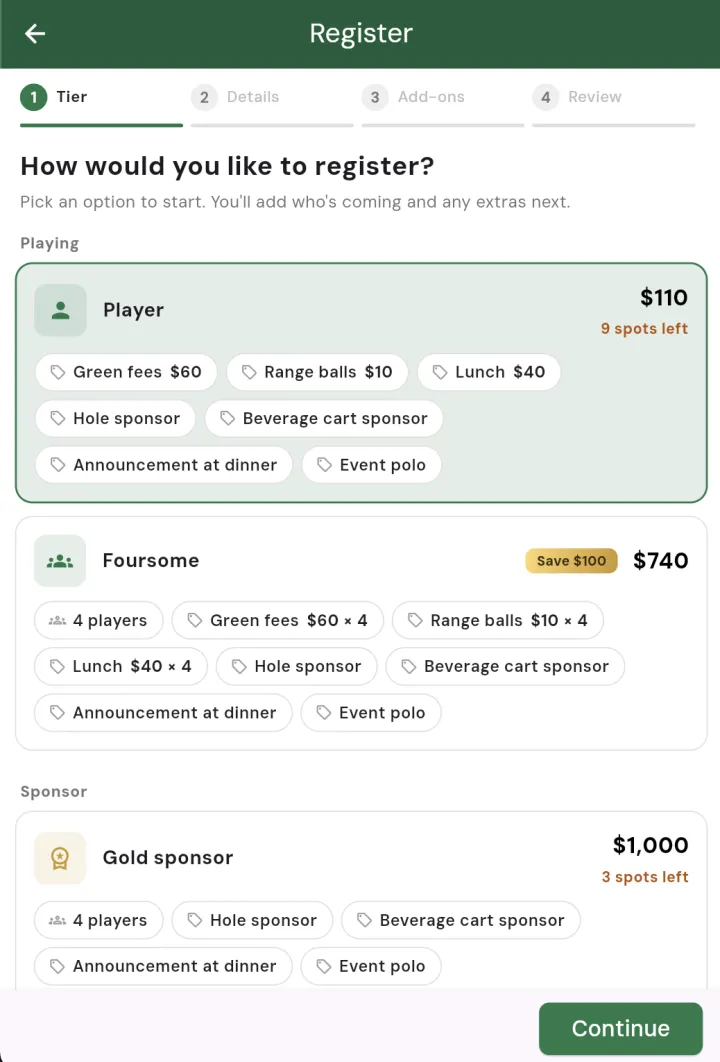
One event, many ways to sign up
Instead of a single flat entry fee, you can now build a menu of tiers. A classic charity scramble might offer a Foursome tier, a single Player tier, a Dinner Only tier for guests who are not playing, a Volunteer tier for your helpers, and a Sponsor tier for the businesses backing the day. Each tier gets its own name, price, description, icon, and colour, so the sign-up page reads like a clear set of choices rather than a wall of fine print.
Not every tier has to take a playing spot. Dinner and volunteer tiers stay off the leaderboard and off the playing field, so you can sell as many dinner tickets as you like without shrinking the space available to actual players.
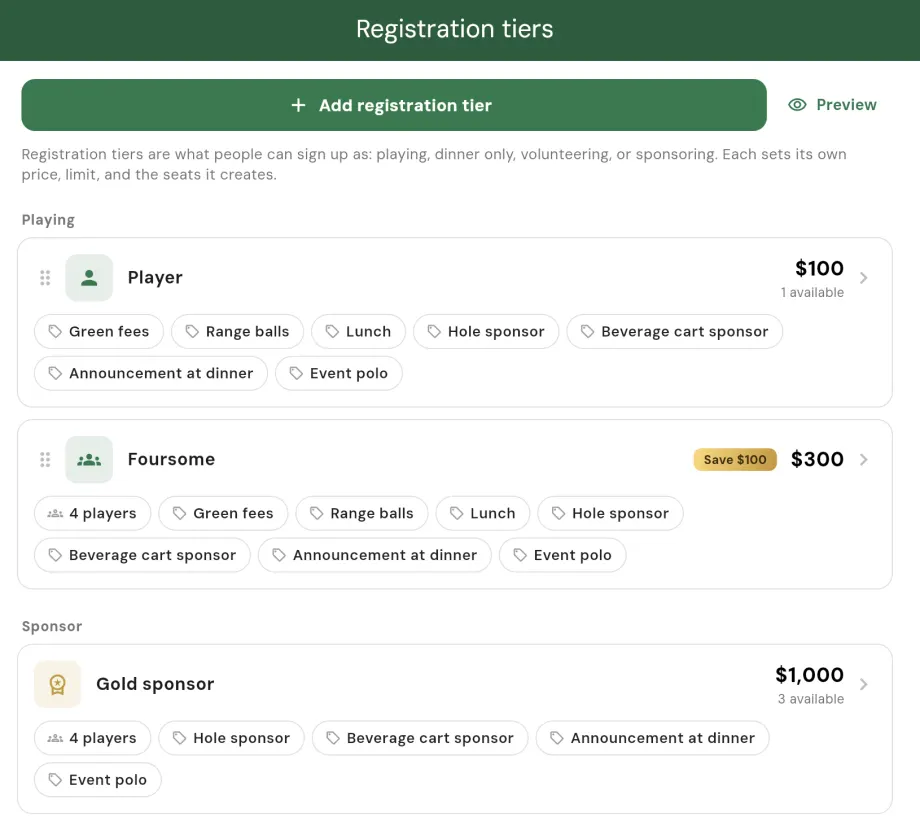
Ask the right questions for each tier
A dinner guest does not need to give you a handicap, and a volunteer does not need to tell you their preferred tees. With the redesign, your registration questions are set per tier. Ask players for their handicap and transport, ask dinner guests for a meal choice, and keep the sponsor form focused on company details. The built-in fields (name, email, phone, birth date, gender, transport) can be switched on or off per tier, and you can add your own custom questions as text, numbers, dates, yes or no toggles, or multiple choice.
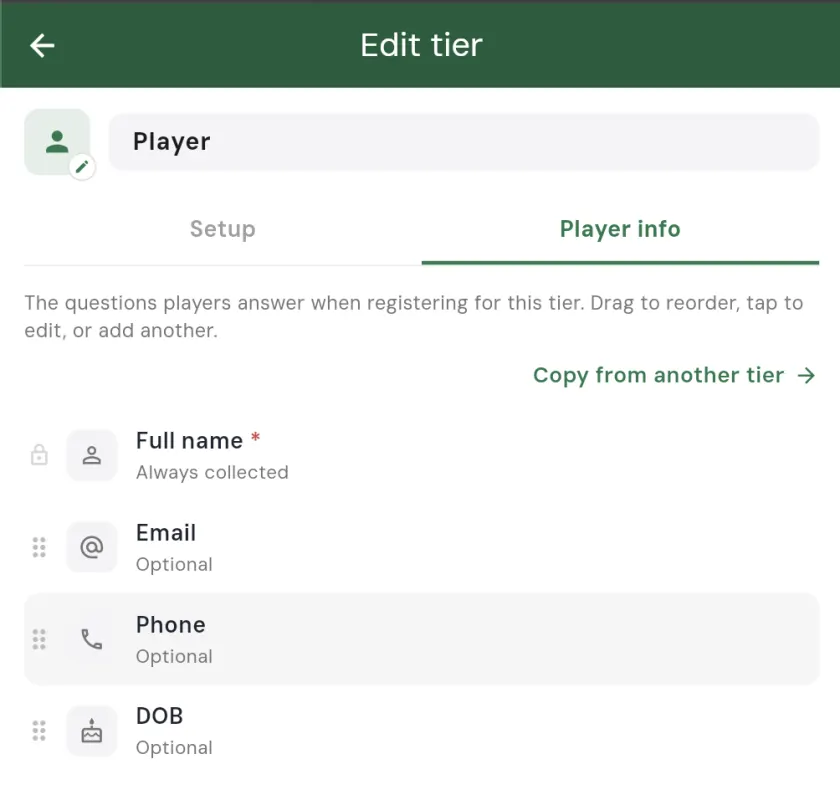
Add-ons that grow each registration
Every tier can carry optional extras that registrants choose at checkout. Offer mulligans they can buy a few of, a skins game they can opt into, branded merchandise, or a cart upgrade. Required items like the green fee, cart, and dinner can be baked into the tier so they are always included, while the optional extras sit in their own step for registrants to add if they want. It is an easy way to raise more per sign-up without creating a separate tier for every combination.
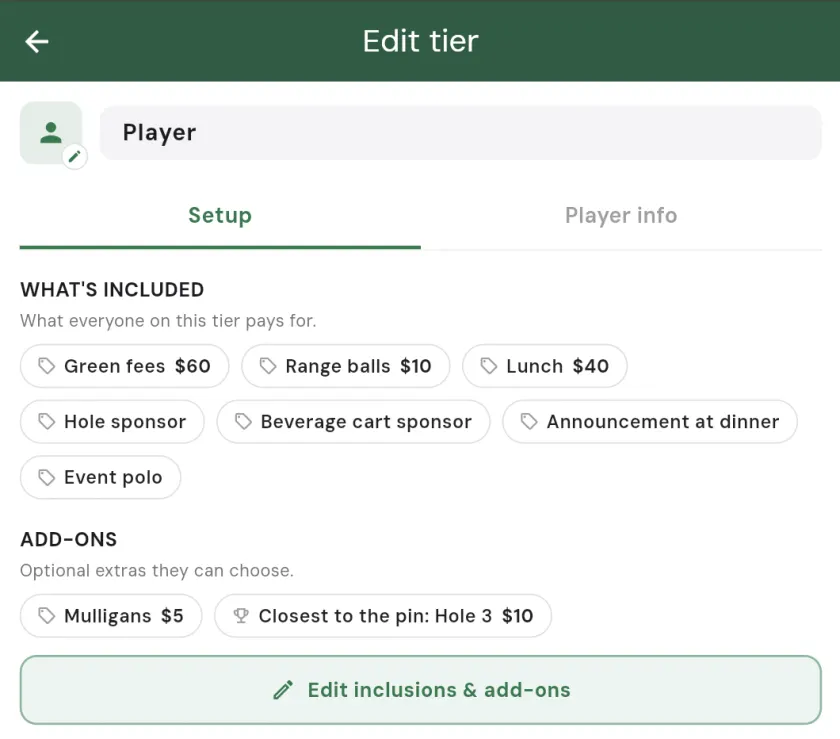
Reward the early birds
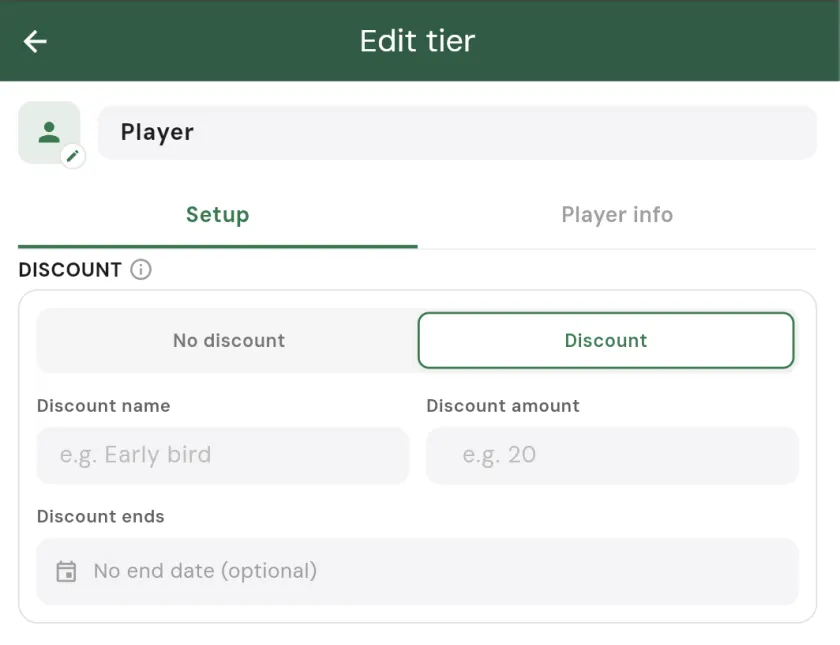
Each tier can run its own discount with an optional deadline. Set an early-bird price that knocks a flat amount off until a date you choose, and Squabbit applies it automatically at checkout, shows the savings right on the tier card, and locks the price in for anyone who already registered. Later edits to the tier never re-charge the people who signed up early. You can also run a standing member rate with no end date.
Caps and automatic waitlists
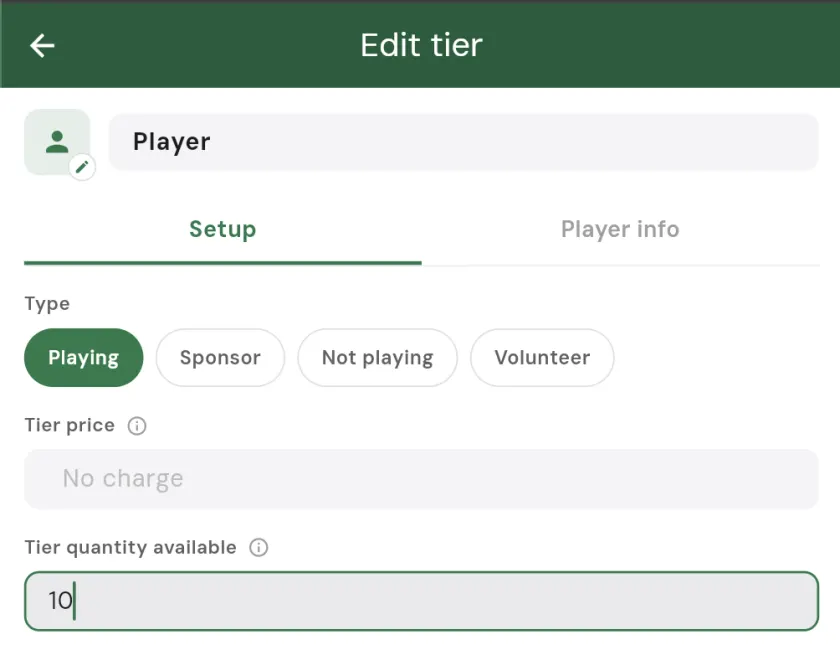
Give any tier a limit and Squabbit tracks how many are sold and shows the spots remaining. When a tier fills up, it marks as sold out and new registrants are offered the waitlist instead. If someone cancels or you raise the cap, the next person in line is promoted and notified so they can complete their registration. You get to cap your foursomes, your dinner seats, and your volunteers independently, with none of the manual list-keeping.
One clean payment setup
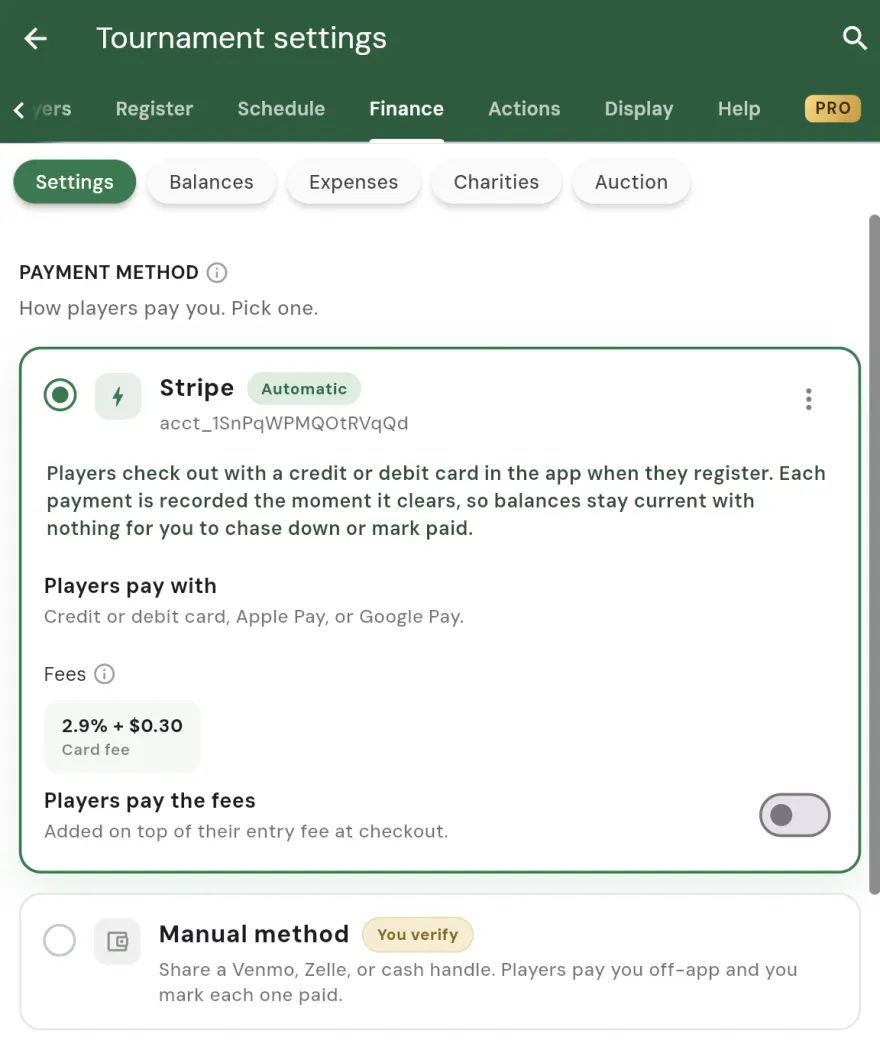
You only set up payment once for the whole event, not once per tier. Choose how you want to collect money and every tier uses the same method at checkout, with each registration handled as a single transaction covering the entry, any add-ons, and the discount. Simple for you to configure, and simple for your registrants to pay.
Ready to build your tiers? Open your tournament, league, or club in Squabbit and head to registration settings. For a step-by-step walkthrough, see the registration tiers help guide.